
Broward Arrests Today
For a same-day check, start with the Broward Sheriff's Office Arrest Search. This tool is built around names, not a page marked "last 24 hours." Results refresh every 15 minutes, according to BSO. That speed helps. It hardly means each arrest appears that fast. Deputies must log property, run a medical screen, take prints and a photo, and finish warrant checks first. Only then is the public booking record complete.
A result row starts with a name. It may add an arrest number, sex, and a location. Click the arrest number for fuller booking detail and, when one exists, the booking photo. The location shown is housing, not the arrest city. Fort Lauderdale, Pembroke Pines, Hollywood, and other agencies all feed into the countywide BSO detention system.
Check Broward Arrests Today
Spell the full name correctly before you search. A broad check can pull up several people with names that look alike, so compare identifiers with care. Never treat a name match as proof.
- Open BSO Arrest Search and enter the last name. Add the first name to narrow the results.
- Review each result's arrest number, name, sex, and listed location.
- Select the arrest number to open the detail record and available booking photograph.
- Check the booking date, charges, bond information, and custody location. Do not treat any charge as a court finding.
- If no row appears, repeat the search after intake has had time to finish.
- For direct confirmation, call the BSO records line at 954-831-8700 or the Main Jail information line at 954-831-5900.
The Broward County recent-arrests guide covers the wider toolkit. The roster, the court docket, the records request, and state or federal custody each serve a separate purpose. For later filings, turn to the Broward Clerk docket.
Broward Daily Report Fields
Results come in two layers. The search shows a short row first, and the arrest number opens the fuller booking record. Labels can change, and a field may sit blank. Read each item in its narrow booking context.
| Field | What it means |
|---|---|
| Name | The identity recorded during intake; verify spelling and other identifiers. |
| Arrest or CIS number | The BSO identifier for the current arrest and the link to detail. |
| Location | The listed detention location, which may change after transfer. |
| Arrest date and time | The reported booking event, not the time a court resolved the charge. |
| Charges and bond | Charges and release terms recorded at that stage; both can change. |
| Booking photograph | An intake image available through some arrest-number details. |
BSO stands behind its own detention records. A city police report tells the arrest story, and the Clerk of Court handles the case file. Each answers a different question. The official BSO search interface appears below.
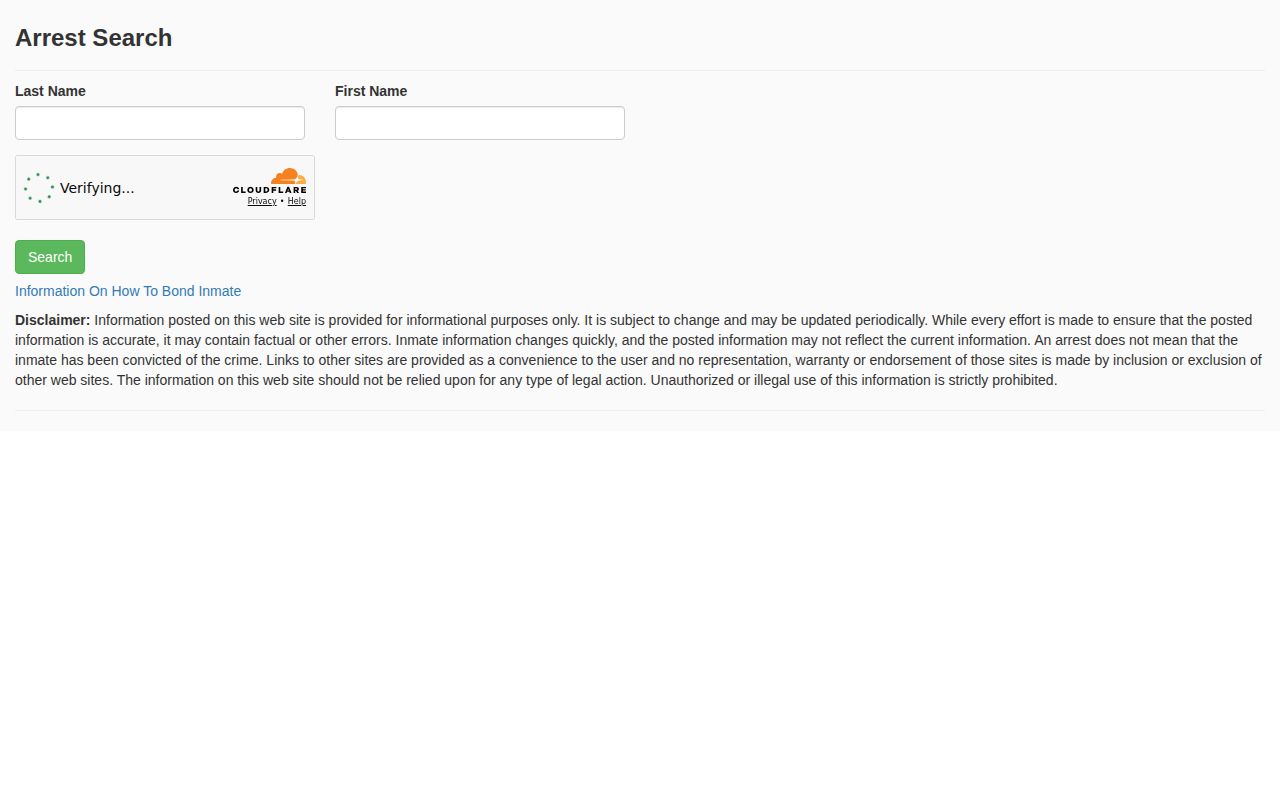
The BSO page shows a search form, no gallery.
When Broward Arrests Lag
A blank result has many causes. Intake may still be running. The spelling may differ, the person may be released, or the record may sit behind a restriction. An outage is possible too. An empty screen never proves that no arrest occurred.
Try the BSO live search again first. Then call the records or jail information line with the full name and a rough arrest time. Prefer a document to a verbal status? The BSO public-records request route handles that. Name the person, date range, arresting agency, and record wanted, and BSO may send a cost estimate first since charges depend on the record and research required.
Once someone is in custody, a VINELink Inmate Check can send status notifications. It cannot replace direct confirmation. For dates beyond today, use the Weekly Arrest Log from the navigation.
Broward Booking Takes Time
Booking follows a set sequence at BSO. Staff log property, screen for medical needs, take fingerprints and a photo, and check state and national databases. Workload and database availability set the pace. So a person can sit in custody while the searchable arrest-number detail stays incomplete.
If no bond is posted, BSO says the magistrate appearance usually comes the next day, weekends included. That court step is separate from public posting. Bond simply secures release. A release can drop someone from a current-custody view while the Clerk case moves ahead.
Broward Alerts Are Not Rosters
BSO relies on different tools for different jobs, and Arrest Search is the person-centered booking source. SaferWatch Broward distributes safety alerts and tips. BSO e-alerts, breaking news, and social media push selected notices. None of them lists everyone booked today.
Several channels can seem to cover the same event. A social post might summarize one enforcement action. An e-alert may address a district-wide concern, and SaferWatch may deliver a safety notice. None offers the name search, arrest number, custody location, or booking detail that Arrest Search provides. Check the record's date before sharing any custody claim.
Treat alerts as safety updates. They are not proof of custody either way. For a recent county booking, the live BSO record remains the first official check.
Broward Arrests Are Accusations
Booking data in Broward County moves fast. Charges can be amended or dropped outright. The Clerk of Court keeps the authoritative case file. That is where later filings and the final outcome live. Search it by name or case number once a matter moves past the arrest itself. For a wider window on arrests, the BSO Booking Blotter runs on a separate system. It updates on a delay. Treat it as a supplement to the daily arrest search, not a substitute.
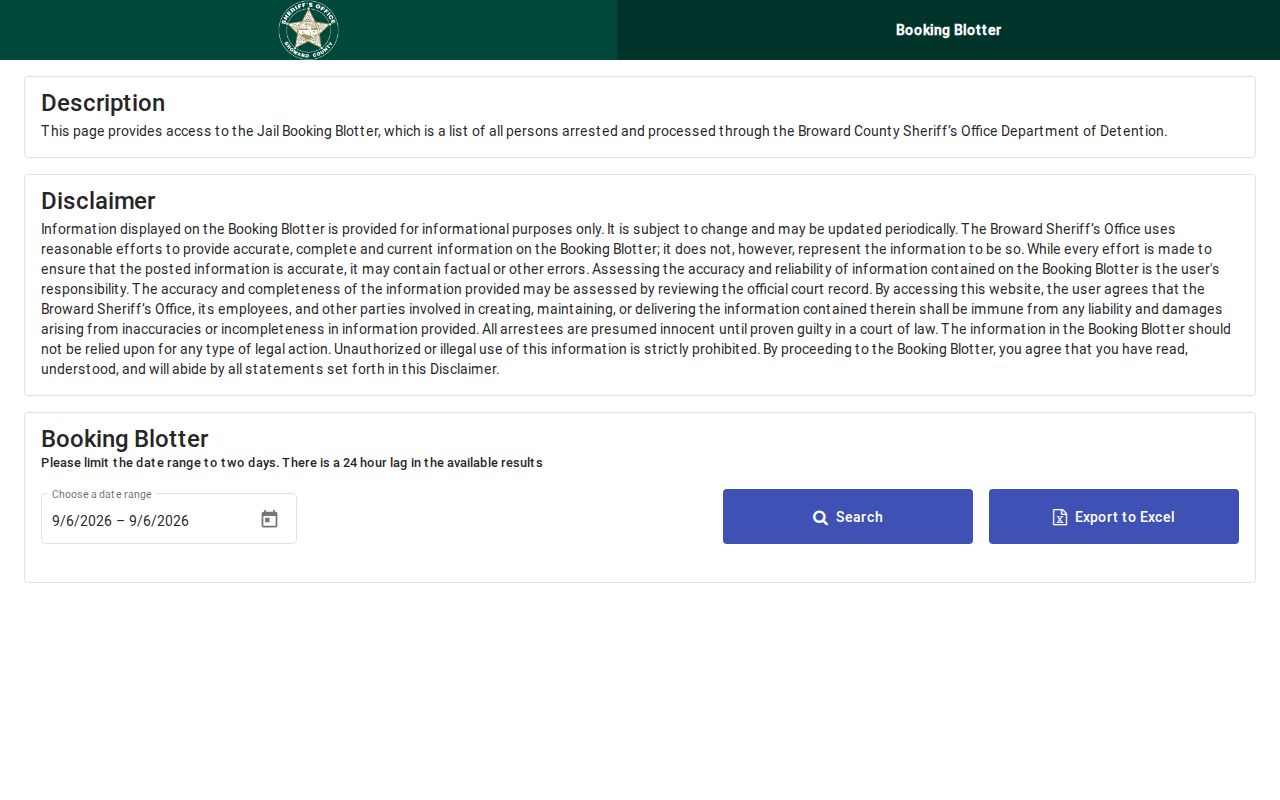
A two-day date tool adds range to the daily arrest search. It does not replace the current lookup. The Clerk docket is the next stop. Reach it by name or case number. The count filed there can differ from the booking label. Later docket entries may show a plea, a dismissal, or a trial result. Sealed or expunged records can change what the public sees. Ask the custodian when that distinction matters.